E-tickets explained: how to check one and what to do after buying
What an electronic airline ticket is, how to check it, what to do after purchase, what you need at the airport and the most common mistakes.
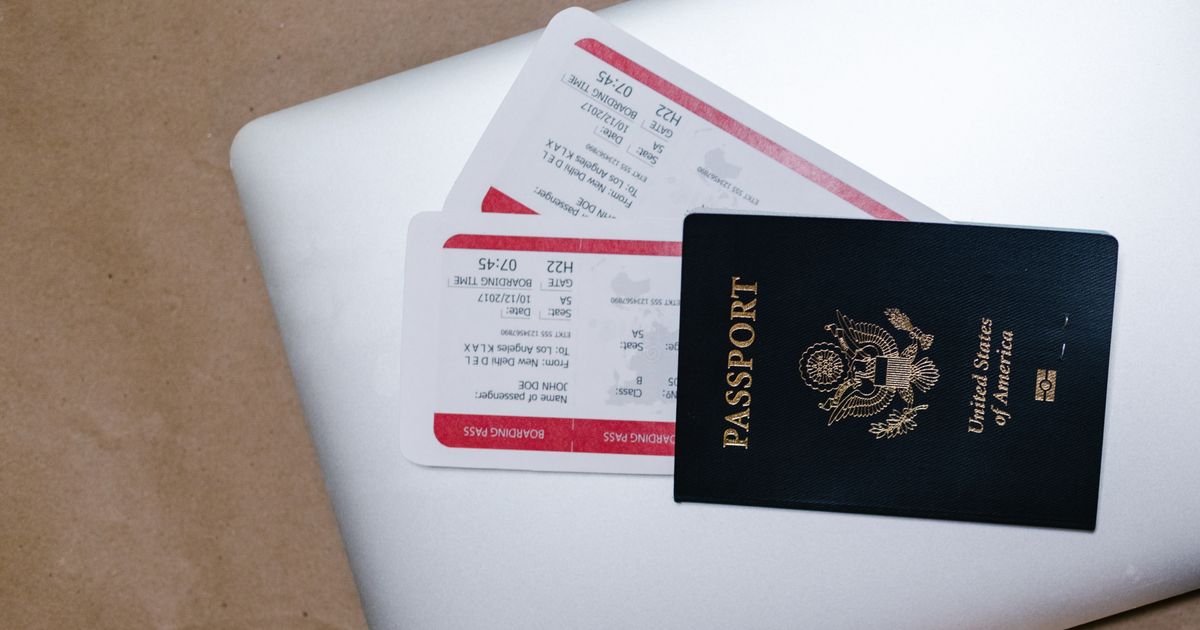
Paper tickets are a thing of the past: today you get an e-ticket by email and show it on your phone. Here is how it works, how to check that it is genuine and what to do after payment.
What an e-ticket is
An e-ticket is a record in the airline's booking system that confirms the contract of carriage. You are sent an itinerary receipt: a document with your details, the ticket number, the flight schedule, the fare and the terms (baggage, refund, change). You can print it or save it on your phone.
The main details:
- The e-ticket number is 13 digits, and the first three mean the airline code.
- The booking reference (PNR) is a 6-character alphanumeric code for check-in and managing the order.
- The passenger's surname and first name in Latin letters, as in the passport.
- Flights, dates, times and terminals.
- The fare and baggage.
How to check an e-ticket
- Open the airline's website, the "Manage booking" or "My trips" section.
- Enter the surname in Latin letters and the booking reference or the ticket number.
- Make sure the data matches the itinerary receipt: flights, dates and a "confirmed" status (OK or HK).
- Check the baggage and refund terms.
If the order cannot be found, contact the agent you bought from and the carrier. Buy tickets from trusted partners such as Aviasales.
What to do after buying
- Check the passengers' data against the passport: mistakes in the surname, first name, date of birth or document number can lead to denied boarding. Corrections are paid and sometimes impossible.
- Save the itinerary receipt on your phone and in your email.
- Check the refund terms and baggage: no-baggage fares: what you can take.
- Arrange insurance: travel insurance for trips abroad.
- Check in when it opens: online check-in guide.
- Check the visa and the entry permit for your destination.
What you need at the airport
- An identity document (a passport) that the ticket was issued for.
- The electronic itinerary receipt or the boarding pass (on the phone or printed).
- A visa, if one is required.
- Documents for a child: flying with a child: rules.
Common mistakes
- The name of the city or airport: big cities have several airports.
- A wrong date of birth for a child.
- A swapped first name and surname.
- A mismatch between the name in the ticket and in the passport (because of transliteration).
- Buying tickets for different dates for different passengers.
If the flight has a connection, also check whether the ticket is single: flights with a layover.
Frequently asked questions
Do I need to print an e-ticket?
Usually not: it is enough to show an identity document and the electronic boarding pass. But a printout of the itinerary receipt can help if there are connection problems or for a visa.
How do I check that an e-ticket is genuine?
Find the order on the airline's website by surname and booking reference. If the order is not found or the data differs, contact the seller of the ticket.
What if I made a mistake in the name when buying?
Contact the seller or the airline at once. Small corrections are sometimes made free or for a fee, but with serious errors a new ticket may be needed.
How is an itinerary receipt different from a boarding pass?
The itinerary receipt is a document about the purchase and the terms of carriage, while the boarding pass is issued at check-in and gives the right to board.
Cover: photo by RDNE Stock project on Pexels
Read next

When to book cheap flights: how far ahead and on which day
How many weeks or months before departure to buy a ticket, whether there is a cheapest day of the week, how seasons change prices and a checklist before you pay.

Travel insurance for trips abroad: what it covers and how to choose
What travel insurance covers, what is usually excluded, how much cover to choose for different destinations and what to do if something happens.